Work smarter with AI
Put AI on the retyping and the searching
Your team reviews instead of keys, and your customers find products the way they talk.
Book a Demo
Your questions, answered
What dealers ask about AI
What does AI actually do for my team?
It does the reading, matching and typing: Assist AI drafts quotes from emails, texts and attachments, the Takeoff Agent drafts quotes from takeoff documents, and AI search helps customers find products.
See the AI featuresDoes the AI send quotes on its own?
No. Assist AI and the Takeoff Agent draft quotes, and your team reviews, adjusts and sends them.
See quotesHow does the Takeoff Agent learn how we quote?
We set it up with your sales team over one to two weeks, writing an instruction file that covers how you build quotes, combined with your calculators and product lists.
See the Takeoff AgentCan we handle requests that come by email, text and WhatsApp?
Yes. Assist AI brings them into one inbox, reads the message and its attachments, and matches the items to your catalog.
See Assist AICan customers search in plain English?
Yes. AI search combines fuzzy search on your product metadata with natural-language queries, so typos and project descriptions still find the right products.
See AI searchIs there AI in the mobile app?
Yes. Customers can scan a UPC barcode or use an image to find a product, order by voice, and message your team.
See the mobile appCan AI clean up our product data?
Yes. AI product enrichment generates descriptions and SEO tags and helps clean up catalog data.
See product managementWill AI assistants be able to find our products?
Universal Commerce Protocol support makes your catalog readable to ChatGPT and Gemini, alongside server-side rendered pages and merchant feeds.
See discoverability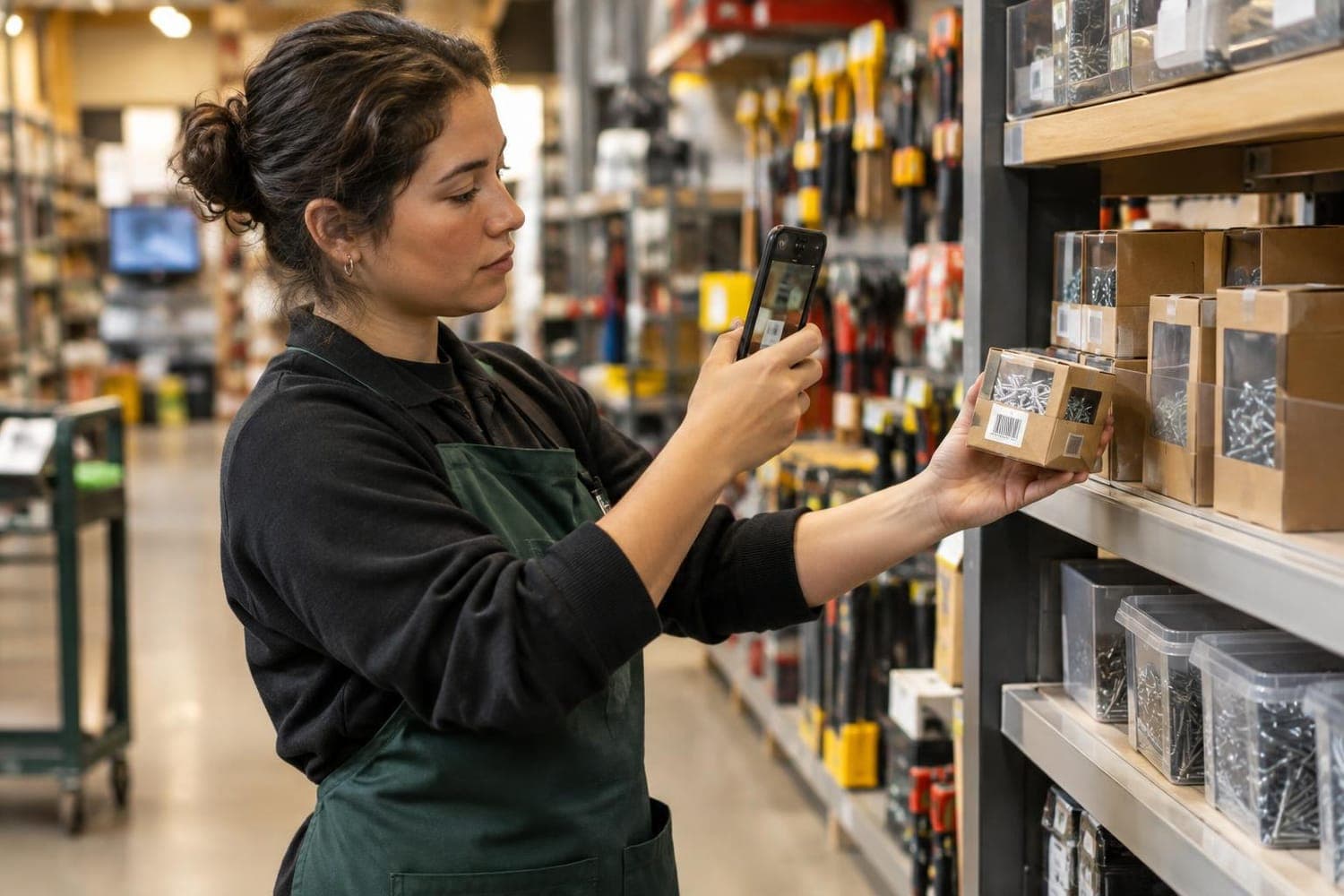
In practice
AI that drafts, people who decide
- 1
A request comes in
By email, text, WhatsApp, the app, a quote request or a takeoff document.
- 2
AI reads it
Using your catalog, your rules and the way your team quotes.
- 3
A draft is prepared
Matched products and a draft quote, ready to review.
- 4
Your team decides
Reps review, adjust and send. People stay in control.
Built for you
AI across the platform
Takeoff Agent
Turns takeoff documents into draft quotes, trained on your rules and product data, for your team to review.
Learn moreAI-powered search
Fuzzy search on your product metadata, combined with OpenAI for natural-language queries.
Learn moreProduct enrichment
Cleans up and completes product data from your catalog.
Learn moreCustomer AI in the app
UPC barcode scanning and image input for customers.
Learn moreAI analytics
Insight across sales, customers, products and inventory.
Learn moreFound by AI assistants
Universal Commerce Protocol support so assistants can read your catalog.
Learn moreSee it in action
Every request in one inbox, a draft ready for review
Assist AI reads each message and its attachments, matches the items to your catalog and drafts the quote.
- Email, SMS, WhatsApp and quote requests together
- Reads text and attachments
- Your rep reviews, adjusts and sends
One inbox for every request
Assist AIDemo Builders
Need a price on the deck plan, PDF attached
Demo Framing
Can you quote 40 studs and 12 sheets of OSB?
Demo Decks
Photo of my handwritten list
Website
Request from the contractor portal
Draft quote for Demo Builders
Ready for reviewRead from the email and its PDF attachment, matched to your catalog
Connects to the systems you already run
Our team handles the setup. See all integrations
See what ToolSwift does for your business
Book a demo and we'll walk through the platform with your catalog and your workflow in mind.
Book a demo